
How to use PastiBisa
A picture becomes a link you can paste on a page, a post, or a forum. The pictures below are the screens you meet along the way.
Sign in with Google
Open the sign-in page and choose Continue with Google. There is no separate password. That Google account is your library.
Upload a picture
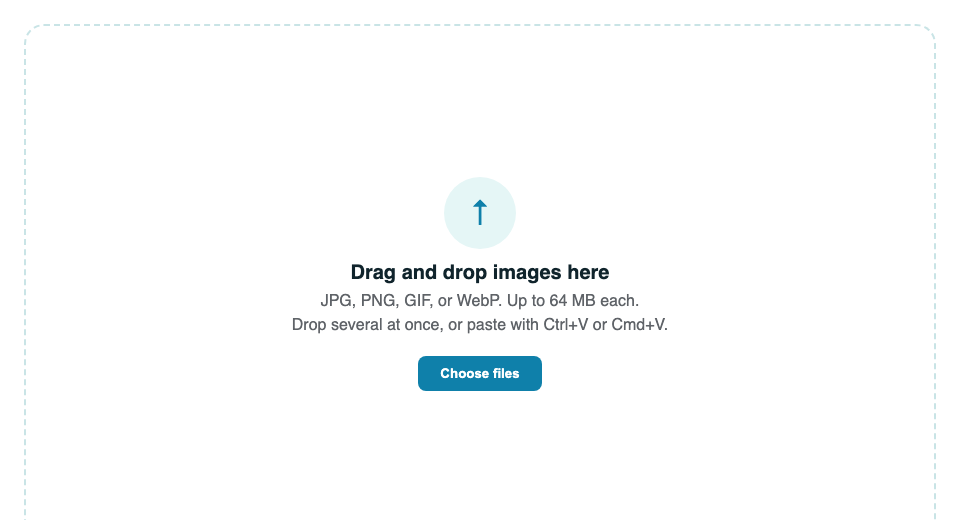
Open Upload. Drop pictures on the page, choose files, or paste one with Ctrl+V or Cmd+V. The accepted types are JPG, PNG, GIF, and WebP, up to 64 MB each. The stored file is the one you sent. It is not watermarked and it is not recompressed.
Copy the link
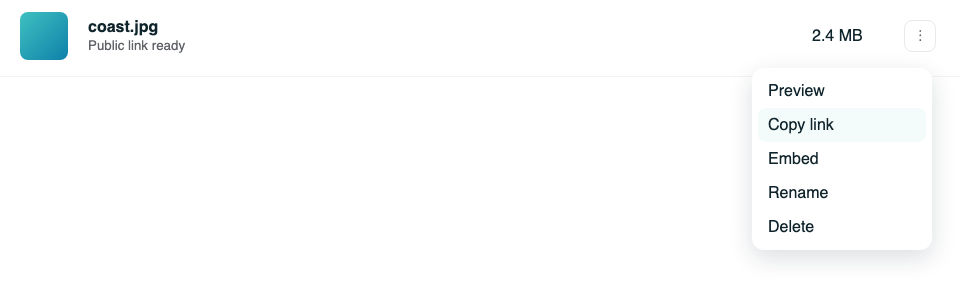
Each picture gets a direct address on drive.pastibisa.app. In Files or Grid, open the picture menu and choose Copy link. You can also open the picture and use the link icon. Paste that address where a site asks for an image. Anyone who has it can see the picture. Pictures do not have a private switch.
Choose how big it looks
A plain image tag shows the picture at its full pixel size, so a large photo can take over the page. Choose Embed, pick a size, then copy the HTML.
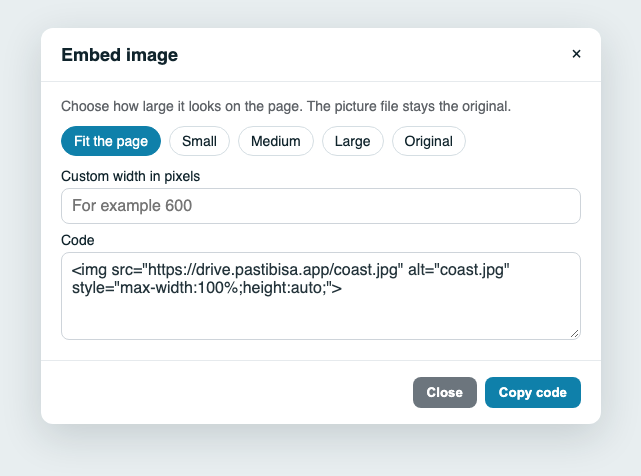
- Fit the page keeps the picture inside the article.
- Small, Medium, and Large set about 480, 800, or 1200 pixels, and still shrink on a phone.
- Custom is a width you type, from 80 to 2400 pixels.
- Original leaves the native size.
The choice changes the HTML you paste. It does not make a smaller file. A picture already placed on a site stays large until that page uses the new code.
Files and Grid
Files is the list, with a small preview. Grid is the same library as square tiles. Both can preview, copy the link, embed, rename, and delete. Deleting a picture removes the stored file, and the public link stops opening it.
Notes
Notes are separate from pictures. A note can stay on your account, open for anyone with the link, allow those people to edit, or stay locked until you unlock it. Editing by others only works while the note is public and unlocked.
Do not put passwords or payment details in a note. Do not upload a picture you need to hide. Its link is public.